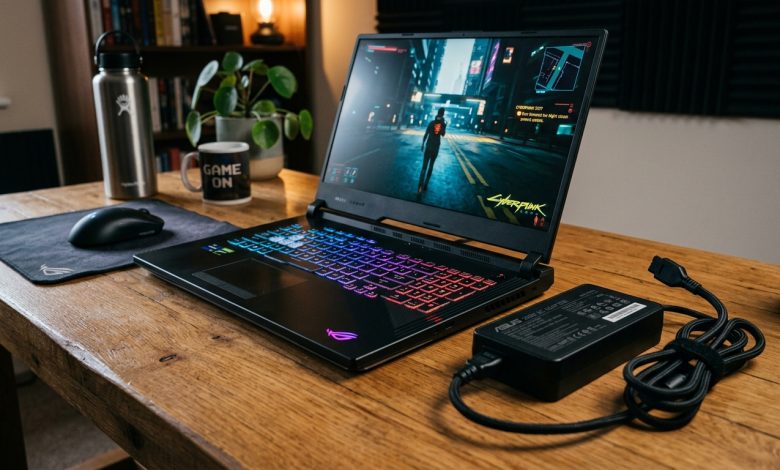
You unplug your charger to play in another room, but frame rates collapse from 100 FPS to 30 FPS. Seeing your gaming laptop FPS drops on battery power can feel alarming, but it is an intentional safety feature.
In fact, laptop batteries cannot supply the massive electrical wattage demanded by high-end graphics cards. Therefore, system firmware throttles hardware clocks to prevent catastrophic battery overheating. In this guide, we explain why gaming laptop FPS drops occur and how to optimize mobile performance safely.
Why Gaming Laptop FPS Drops on Battery Power
A modern dedicated GPU and CPU combination consumes between 150 and 250 watts under load. However, a standard internal lithium-ion battery can only safely output 50 to 80 watts continuously.
If your laptop delivered peak wattage without AC power, the battery would overheat rapidly. Consequently, driver software caps frame rates at 30 FPS to protect battery chemistry. This power limit extends runtime and prevents permanent cell degradation.
How to Optimize Gaming Performance on Battery
First, adjust your graphics driver battery settings. Inside the NVIDIA GeForce Experience or AMD software, you can raise the battery frame limiter up to 60 FPS.
Second, lower your in-game resolution and graphical presets while traveling. For example, dropping from 1440p Ultra to 1080p Medium reduces GPU power demand dramatically. In addition, always plug into AC mains when playing demanding titles to enjoy full hardware performance.
Summary: Balancing Power and Mobility
Overall, reduced unplugged performance is an essential engineering safeguard rather than a defect. By adjusting software limits and playing demanding titles plugged in, you balance gaming enjoyment with battery longevity. For more hardware guides, check our gaming tech guides.